Setup
Device instructions
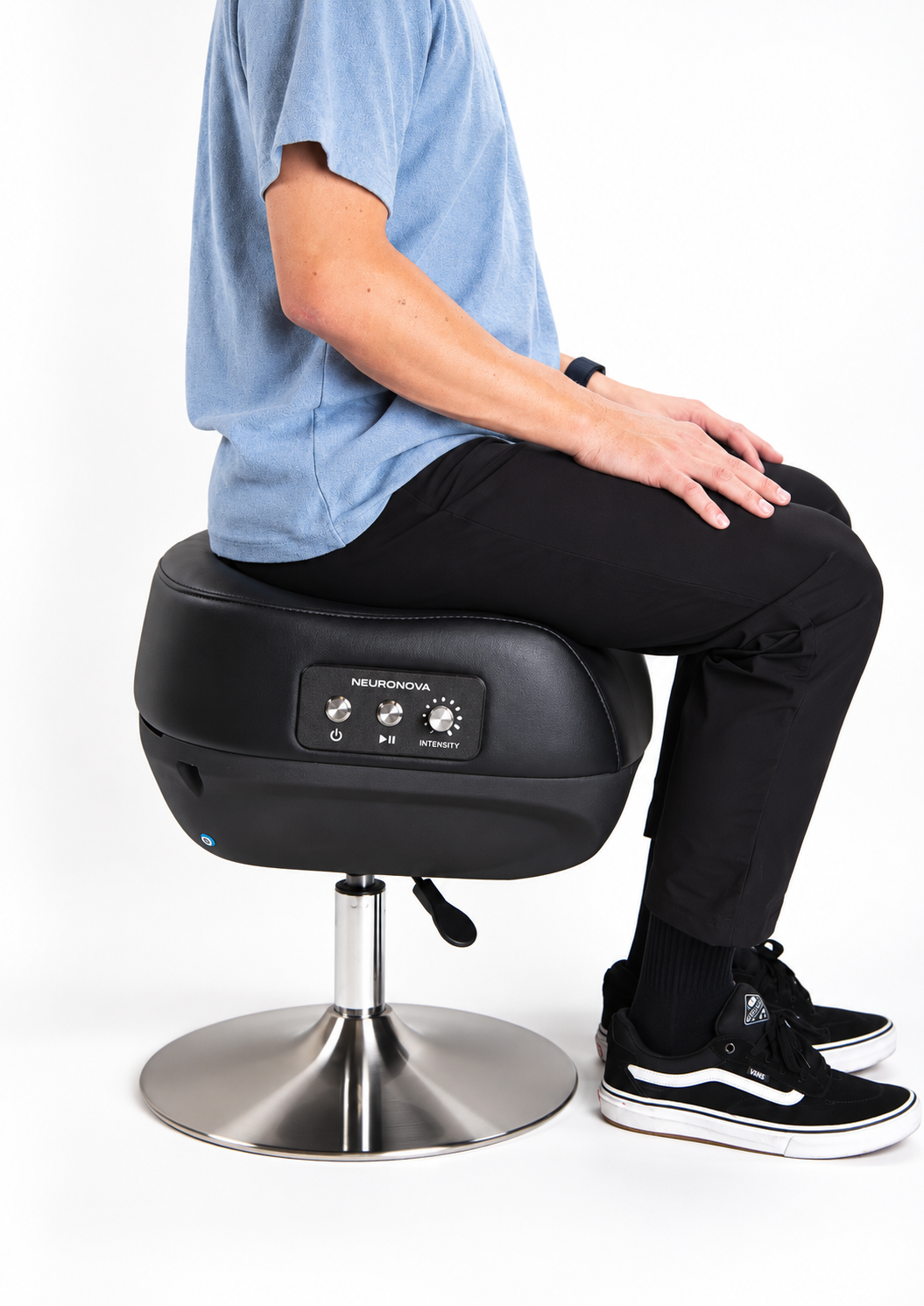
Assembly
- 1Flip seat upside down. Insert rod into hole in seat; press firmly.
- 2Align hole in base with rod. Insert and press firmly.
- 3Roll the device onto its side, then to an upright position.
- 4Sit firmly on the seat to set all fittings in place. This will permanently assemble your device.
- 5Insert the power cord's barrel connector into the port on the side of the chair. Press firmly until fully seated.
Device controls
Power
Turn device on and off using the power button. When not in use, we recommend keeping power off (unit may remain plugged in). When powered on, the start button will glow steady blue.
Start / Stop / Pause
Begin a session by pressing the 'start' button. A session lasts 10 minutes. To pause a session, press the "start" button again. The start button will blink.
Intensity
Dial the vibration intensity up or down to your comfort level. We recommend higher intensity for large/tall adults, and lower intensity for those with smaller frames and lower body mass.
Connect to WiFi
Connecting your device to WiFi ensures your device receives firmware updates to operate optimally. Follow the instructions on your included pamphlet or download the Nova Natural Reset app.
Return instructions
Customer is responsible for all costs associated with returning a Unit, including shipping, packaging, boxes, packing materials, and packing services, unless NeuroNova agrees otherwise in writing.